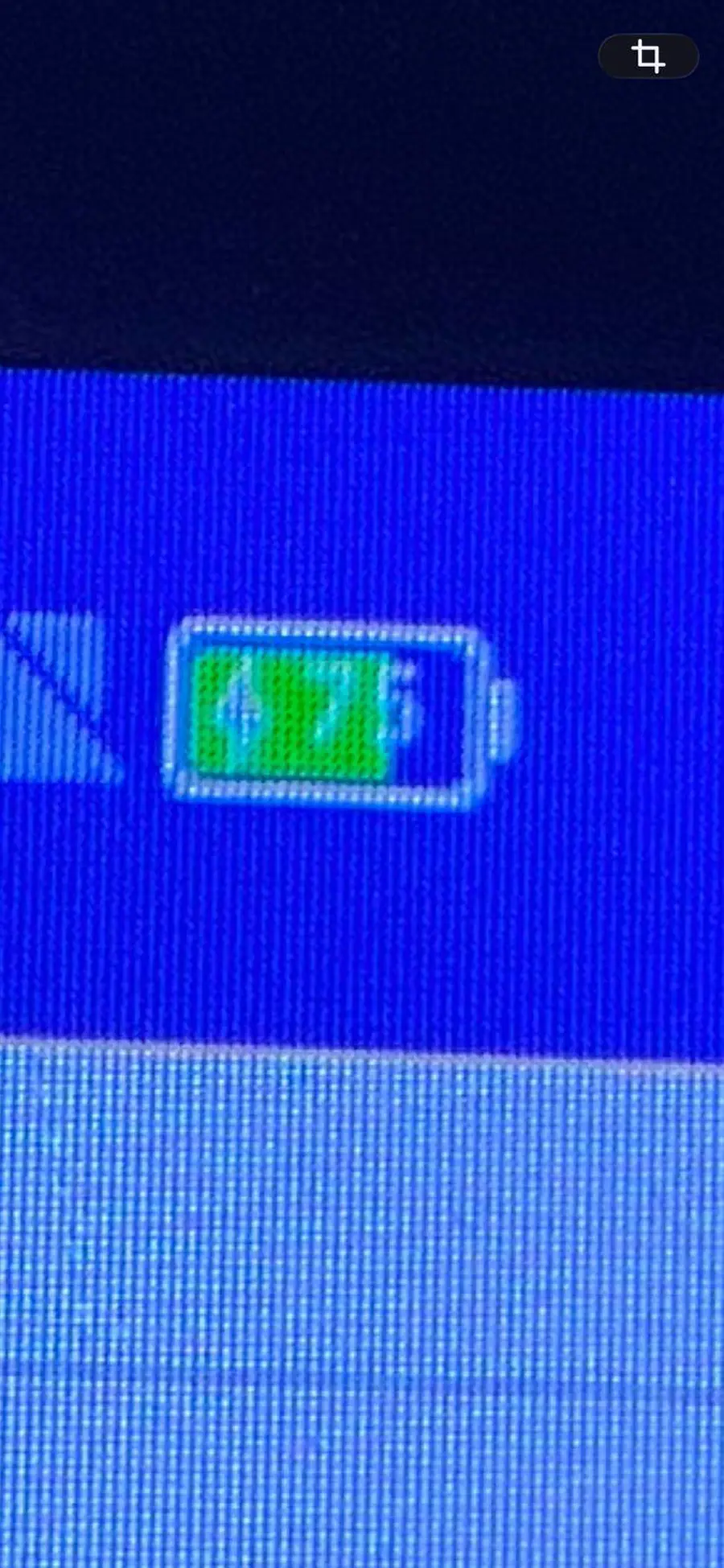
Step 1 · Most likely
Search Android settings for charging limit
Open Settings and search battery protection, charging, optimised, adaptive, and limit. If any setting says it stops charging at 75/80/85%, turn it off and retest.
Step 2 · Managed tablet check
Check if Uber/device management is enforcing it
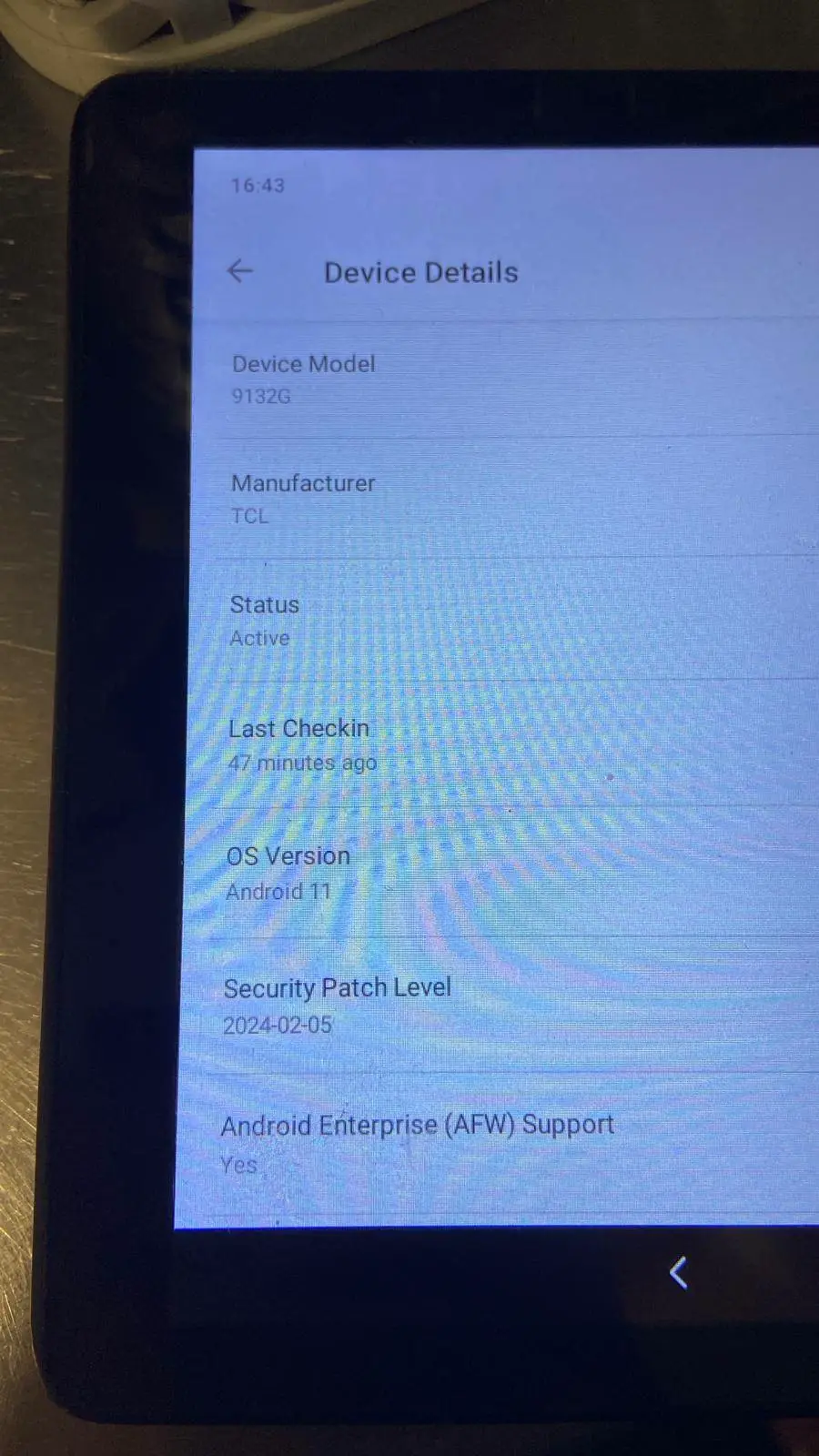
The photo shows Android Enterprise support. If a work profile/device-admin app manages the tablet, the setting may be locked. Do not factory reset or remove management; contact Uber support if the limit cannot be changed locally.
Step 3 · Rule out charging hardware
Swap charger and cable
Use a known-good charger and USB cable from another tablet. If another charger passes 75%, replace the charger/cable. If it still stops at the same percentage, suspect software/policy or battery health.
Step 4 · Heat / kitchen environment
Let the tablet cool
Charging can pause when the device is hot. Move it away from hot pass/ovens/direct sun, remove any thick case temporarily, and test again once cool.
Step 5 · Calibration test
Power-off charge test
Power the tablet off, plug into a known-good charger for 30–60 minutes, then turn it on. If it goes beyond 75% when off, Android/app policy may be causing the cap while running.
Step 6 · Escalate
If still capped
Send Uber support the model, Android version, venue, and evidence. Ask whether the Uber-managed TCL 9132G has a battery-protection policy limiting charge to around 75%.